
GetInvoice (Tailride) Lifetime Deal
GetInvoice (Tailride) Lifetime Deal retrieves invoices and receipts from emails or web platforms, sending them directly to your accounting system without manual intervention.

Turn scattered receipts into organized, tax-ready records and spend less time on bookkeeping
Disclosure: SAASTOOLY may earn an affiliate commission at no extra cost to you. Deal terms can change, so the current AppSumo listing is authoritative.
A recurring receipt-processing subscription is the bill this purchase could replace. Your full accounting subscription may still belong in the budget. Although AppSumo lists FreshBooks and QuickBooks as alternatives, BookZero’s own FAQ describes a narrower job: scanning receipts, matching bank statements, and sending categorized expenses into QuickBooks or Xero.
Lifetime access starts at $39 for 125 scans per month. That makes this a practical lifetime deal versus subscription comparison for owners paying separately for receipt handling. The purchase makes sense when it removes that expense or cuts enough recurring bookkeeping work to justify the upfront payment.
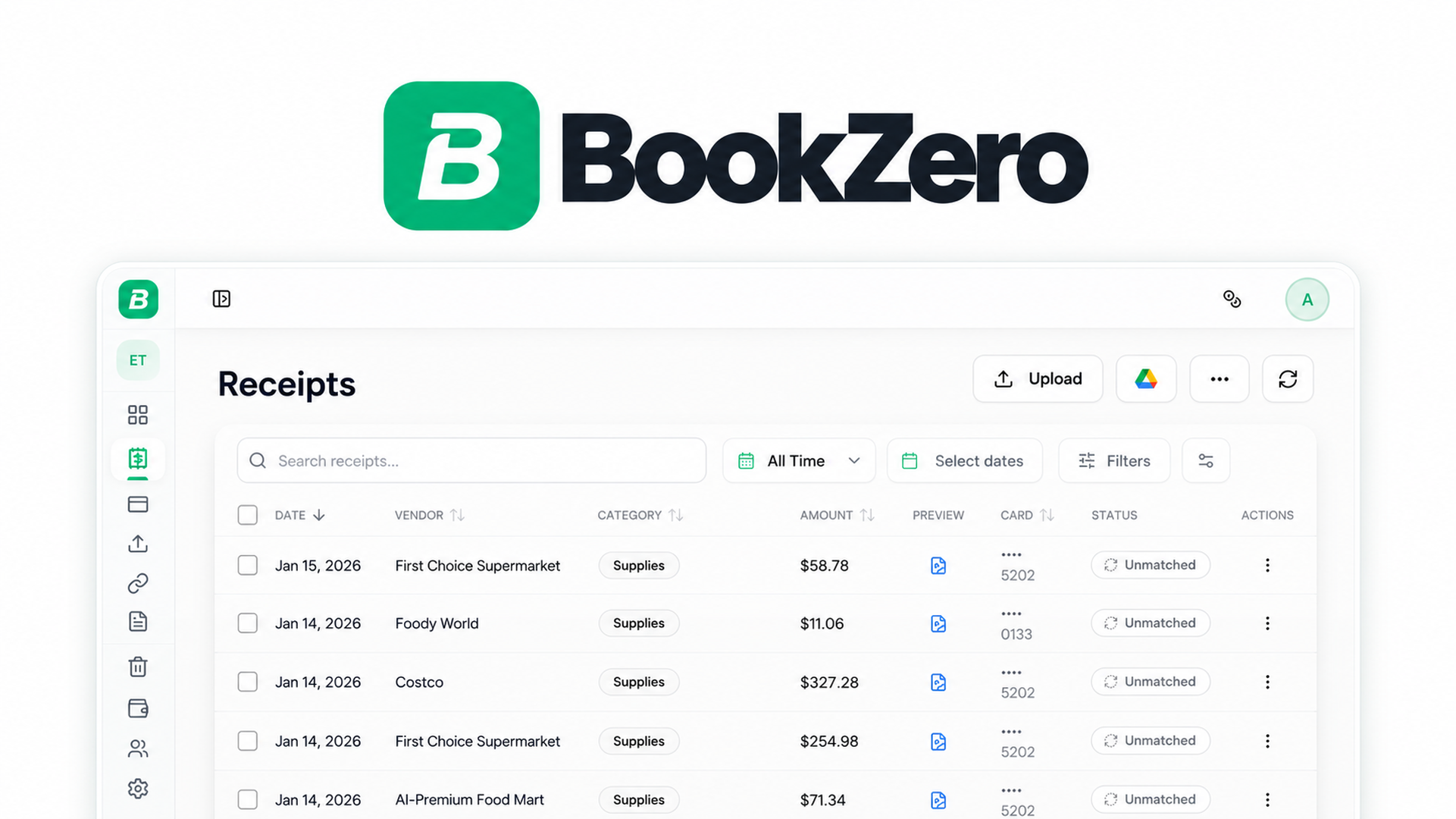
BookZero processes receipts and bank statements with AI for US and Canadian bookkeeping. It extracts the vendor, date, tax, and total, categorizes expenses, and matches receipts against bank transactions.
You can upload files or send receipt photos through Telegram. Higher tiers add Google Drive imports and expense exports to QuickBooks and Xero. CSV exports and CRA and IRS tax-ready reports provide another route for handing records to an accountant.
Founder Eric Wu built the tool around receipt matching. His described workflow includes reviewing matches the system is unsure about before exporting the results.
One-time prices: $39, $119, or $279, depending on tier.
Access: Lifetime access to BookZero, including all future plan updates.
Primary use: Receipt extraction, expense categorization, and bank statement matching.
Listed alternatives: FreshBooks and QuickBooks. BookZero’s FAQ clarifies that it is not a full accounting suite.
Refund window: Refundable up to 60 days.
Tier structure: Three license tiers with 125, 400, or 1,000 scans per month.
Purchase method: Direct tier selection. No codes and no stacking.
Tier changes: Ability to upgrade or downgrade between the three license tiers.
Activation deadline: Within 60 days of purchase.
Count only a subscription you can actually cancel. For Solo, payback arrives once avoided receipt-processing charges reach $39. Growth needs to replace $119 in spending, while Team needs to replace $279.
Recovering the purchase within six months would be an excellent outcome. If QuickBooks or Xero remains necessary, keep its subscription out of the savings calculation. When BookZero supplements your accounting software, the case rests on receipt-entry time saved and any separate scanning bill removed.
Upload receipt files or send photos to the BookZero Telegram bot, which places them in your dashboard automatically. Supported formats include JPG, PNG, PDF, HEIC, and CSV.
Growth and Team can also pull receipts from a Google Drive folder. This gives owners a way to process files where they already collect them.
AI extracts vendor, date, tax, and total information. The listing says extraction takes under five seconds.
The useful outcome is less retyping. Someone already paying for receipt capture should compare the extracted results against their usual receipts, especially those with tax details that matter to their books.
BookZero matches receipts to bank transactions, helping identify which expenses have supporting records.
The founder’s workflow still includes checking uncertain matches. That makes the purchase relevant to owners who want to reduce line-by-line statement checking while retaining a review step.
AI sorts expenses into CRA and IRS categories. Exports include clean CSV files and tax-ready reports for T2125 and Schedule C.
These outputs matter if your current expense tool’s main purpose is organizing records for tax preparation.
Growth and Team push matched receipts into QuickBooks or Xero as expenses, with receipt files attached.
For businesses keeping those subscriptions, this is the strongest reason to consider Growth. It reduces duplicate entry between receipt collection and the accounting records.
Team includes the AI financial analyzer. You can ask questions about your books and retrieve monthly spending breakdowns and top expenses.
This tier is more relevant when financial questions recur throughout the month, rather than only during tax preparation.
Price: $39 once for lifetime access.
Monthly limit: 125 scans.
Includes receipt scanning, AI extraction, CRA and IRS categories, AI bank matching, CSV export, and Telegram capture. Google Drive import, QuickBooks export, Xero export, and the AI financial analyzer are excluded.
Price: $119 once for lifetime access.
Monthly limit: 400 scans.
Includes the shared features plus Google Drive import, QuickBooks export, and Xero export. The AI financial analyzer is excluded.
Price: $279 once for lifetime access.
Monthly limit: 1,000 scans.
Includes Growth’s features plus the AI financial analyzer.
Growth adds 275 monthly scans over Solo and introduces the accounting integrations. Team adds another 600 scans and financial analysis. The tiers change both capacity and functionality.
This purchase uses direct license selection. The guide to AppSumo codes and stacking explains the distinction, but BookZero’s terms are explicit: no codes, no stacking. Upgrades and downgrades between the three tiers are permitted.
Use these tool-specific checks alongside the factors to verify before buying a lifetime deal:
Growth is the strongest practical choice for businesses already using QuickBooks or Xero. Its $119 price buys 400 monthly scans and the integrations that connect receipt handling to existing books. Solo is sensible for a smaller workflow built around uploads, Telegram, and CSV exports. Team needs a clear reason for either its higher capacity or financial analyzer.
The purchase is attractive for a defined, recurring receipt workflow. Treat the early-stage vendor profile as a reason to keep usable exports. The AppSumo refund policy guide provides context for evaluating the purchase during its 60-day refund window.
Put two dates on your calendar: activate immediately after purchase, ahead of the 60-day activation deadline, and make your keep-or-refund decision by day fifty while the refund window remains open.
Not sure yet?
Run this deal through our free scorecard. Seven checks, a payback calculator, and a plain verdict on whether to buy.
Get the Lifetime Deal Scorecard, free
SAASTOOLY Rating: 4.5/5
BookZero’s FAQ describes it as a receipt-scanning and bank-matching tool rather than a full accounting suite. Growth and Team send categorized expenses into QuickBooks or Xero.
Solo includes 125 scans, Growth includes 400, and Team includes 1,000 scans per month. All three are lifetime-access plans.
Growth and Team include Google Drive import. They also include QuickBooks and Xero exports.
Supported formats include JPG, PNG, PDF, HEIC, and CSV. Export options include CSV files and CRA and IRS tax-ready reports for T2125 and Schedule C.
There are no codes and no stacking. The terms allow upgrades or downgrades between the three license tiers.
You must activate your license within 60 days of purchase. The purchase is also refundable up to 60 days.

