BHuman Lifetime Deal
BHuman Lifetime Deal is an AI-powered video platform that enables the creation of numerous personalized videos with a realistic appearance and feel. Alternative to Vidyard.

Turn scripts, clips and screen recordings into finished marketing videos without a yearly plan
Disclosure: SAASTOOLY may earn an affiliate commission from qualifying purchases, at no extra cost to you. Deal terms can change, so the current AppSumo listing is authoritative.
Small businesses now need a steady stream of video: product clips, social posts, tutorials and ads. Most of that work happens in an online editor billed every month or year, often with a separate stock media subscription on top.
The AppSumo listing names Adobe Premiere, iMovie and Kapwing as alternatives. FlexClip sells here from $99 once, against a displayed retail comparison of $600 for the entry plan. If you make simple marketing and social videos rather than feature films, it can replace a recurring editor plan and much of your stock footage spending.
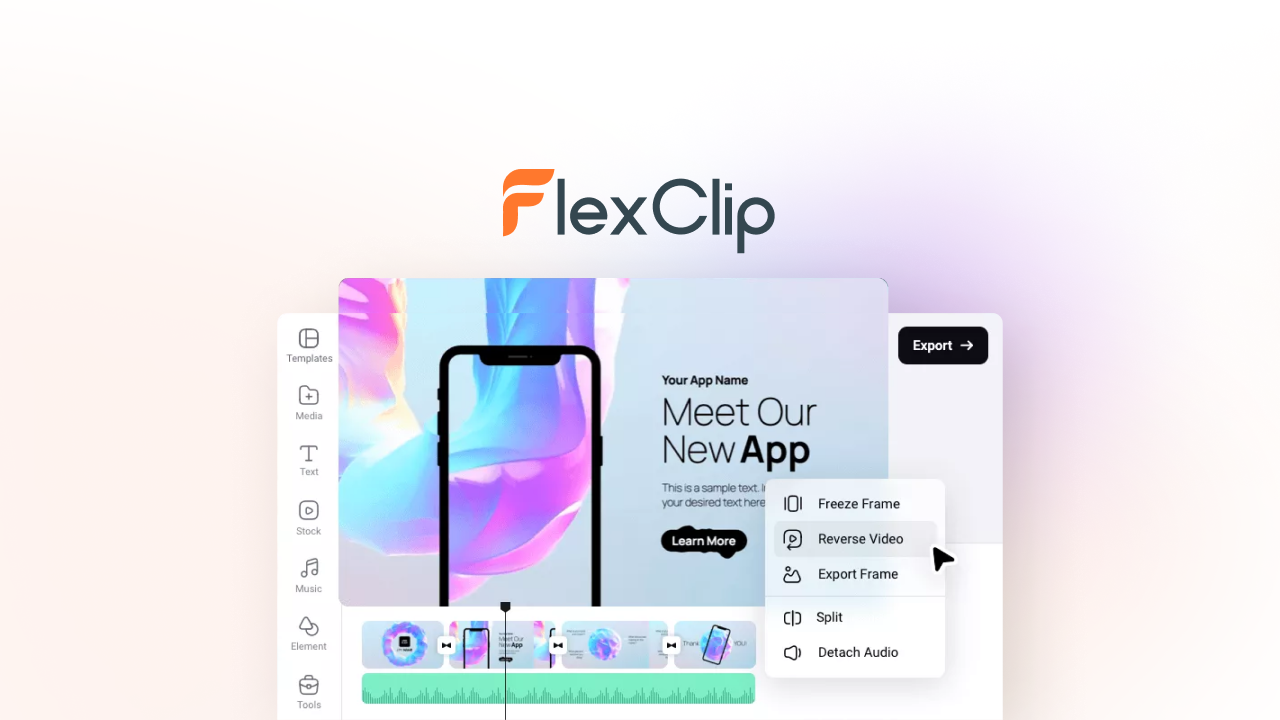
FlexClip is a video editor that runs in your browser. You start from a template or a blank project, add your own clips or stock media, then trim, split, add text, music, transitions and subtitles, and export.
Built-in AI tools turn text into video, generate images, write scripts, add subtitles automatically and create voiceovers with text-to-speech. A screen and webcam recorder sits inside the editor, so tutorials and walkthroughs do not need a second tool.
The company box on the listing shows FlexClip founded in 2006 in Hong Kong, bootstrapped, with a team of 51 to 200. Earlier AppSumo buyers are grandfathered into new features and limits, and buyers from before 2025 can stack a new code to move up a tier under the current deal.
One-time price: Plan 1 $99 (1 code), Plan 2 $198 (2 codes), Plan 3 $297 (3 codes).
Displayed retail comparisons: $600, $1,200 and $1,800 respectively.
Alternatives named: Adobe Premiere, iMovie and Kapwing.
Access and updates: Lifetime access with all future Plus plan updates on Plan 1, or Business plan updates on Plans 2 and 3. If the plan name changes, the deal maps to the new plan.
Refund window: Refundable up to 60 days.
Codes: Stack up to 3 codes.
Redemption deadline: Redeem your code or codes within 60 days of purchase.
Credit release: 20% of the AI credit limits are available during the 60-day refund window. The rest are released after that.
Who can buy: New FlexClip users and returning AppSumo purchasers.
Browsers: Chrome, Firefox and Safari, with Chrome recommended.
The listing gives no monthly price for a comparable editor, so the payback depends on what you pay today. If FlexClip lets you cancel an online video editor plan, the $99 entry price is usually recovered within the first year, which is a good result for a tool you open every week.
If you would also drop a stock footage or music subscription, the payback comes sooner. If you only make a few videos a year, a free editor may be enough. Our comparison of lifetime deals and subscriptions helps you weigh it.
The listing describes thousands of templates across education, marketing, real estate and social media, and the FAQ puts the number above 4,000. For a small business, starting from a finished layout is the difference between posting a video today and putting it off.
Text to video, AI images, AI scripts, text-to-speech and automatic subtitles are built in and draw on your AI credits. Plan 1 includes 3,000 credits, Plan 2 7,000 and Plan 3 12,000. These replace several single-purpose AI subscriptions for short marketing videos.
Record your full screen, one app window or a browser tab, with or without your webcam. That covers product demos, webinars and tutorials without a separate recorder.
Over 4 million royalty-free videos, photos and music tracks, more than 1,000 text animations, vector elements and transitions are available inside the editor. Plan 1 allows 5 stock videos or audio tracks per project. Plans 2 and 3 remove that limit.
Every plan includes a brand kit, custom font uploads, no FlexClip watermark, unlimited video length, unlimited saved projects, commercial use rights and reseller rights. For agencies and freelancers, the commercial and reseller rights matter as much as the editing features.
| Plan | Price | Export quality | Stock per project | Cloud storage | Video hosting | Saved templates | AI credits |
|---|---|---|---|---|---|---|---|
| Plan 1 | $99 | 1080p Full HD | 5 | 30 GB | 100 GB | 100 | 3,000 |
| Plan 2 | $198 | 4K Ultra HD | Unlimited | 100 GB | 1 TB | 200 | 7,000 |
| Plan 3 | $297 | 4K Ultra HD | Unlimited | 100 GB | 1 TB | 200 | 12,000 |
No features are crossed out on any plan. The premium resources, brand kit, custom fonts, watermark removal and commercial and reseller rights appear on all three. What changes is the limits. Plan 2 raises export quality to 4K, removes the stock limit per project, and raises storage, hosting and saved templates. Plan 3 only adds AI credits on top of Plan 2.
The deal uses codes. You can stack up to 3, with Plan 2 equal to two codes and Plan 3 equal to three. Our guide to AppSumo codes and stacking covers how stacking works.
The entry plan exports in 1080p. For most social and web video that is enough, but 4K export starts at Plan 2.
Five stock assets per project on Plan 1. Videos built mostly from stock clips will hit this quickly. Plan 2 removes the limit.
Most AI credits arrive after the refund window. Only 20% of the credit limit is available in the first 60 days, so judge the AI tools on a smaller allowance than you will eventually have.
Our checklist of factors to verify before buying a lifetime deal covers the general checks. For FlexClip, also confirm these:
Who it suits
Who should look elsewhere
FlexClip is a strong buy for anyone who makes regular marketing videos and pays for an online editor today. Every plan includes the same features and rights, so the decision comes down to limits rather than missing tools. Plan 2 at $198 is the right choice for most buyers, because it adds 4K export, unlimited stock per project and far more storage. Plan 1 suits light users who export in 1080p. Plan 3 only makes sense if you lean heavily on AI credits.
The deal has a large buyer base and the company has been operating for many years, which reduces the long-term risk that comes with any lifetime purchase.
Two dates decide the purchase. Redeem your codes immediately, because they must be redeemed within 60 days. Then decide by day fifty while the 60-day refund window is still open, using our AppSumo refund policy guide if it is not the right fit.
SAASTOOLY Rating: 5/5
An editorial rating based on the listed features, prices, limits and terms.
Not sure yet?
Run this deal through our free scorecard. Seven checks, a payback calculator, and a plain verdict on whether to buy.
Get the Lifetime Deal Scorecard, free
Yes. It works in Chrome, Firefox and Safari, with Chrome recommended for stability. The FAQ also lists Windows, Mac and Linux.
You can use the image tools on a phone, but the FAQ recommends a PC or Mac for creating and editing videos.
Both export in 4K with unlimited stock per project, 100 GB of cloud storage and 1 TB of hosting. Plan 3 raises AI credits from 7,000 to 12,000.
No. Every plan removes the FlexClip watermark and includes commercial use and reseller rights.
20% of the credit limit is available during the 60-day refund window. The remaining credits are released after that.
You must redeem your codes within 60 days of purchase, and the purchase is refundable up to 60 days.