

Sensfrx Lifetime Deal
Sensfrx Lifetime Deal is a fraud detection platform powered by AI that aids businesses in minimizing chargebacks, bogus registrations, and automated bots.

Block brute-force bots, bad IPs and stolen passwords before they reach your WordPress login
Disclosure: SAASTOOLY may earn an affiliate commission from qualifying purchases, at no extra cost to you. Deal terms can change, so the current AppSumo listing is authoritative.
The WordPress login page is the most attacked door on most sites. Bots try passwords around the clock, and many site owners answer that with a premium security plugin that renews every year, for every site.
The listing names Wordfence as the alternative. WP Login Lockdown sells one code for $59, covering 5 websites, against a displayed retail comparison of $99. Stack up to three codes for 50 sites or unlimited sites. It focuses on one job, keeping unwanted people and bots away from your login form.
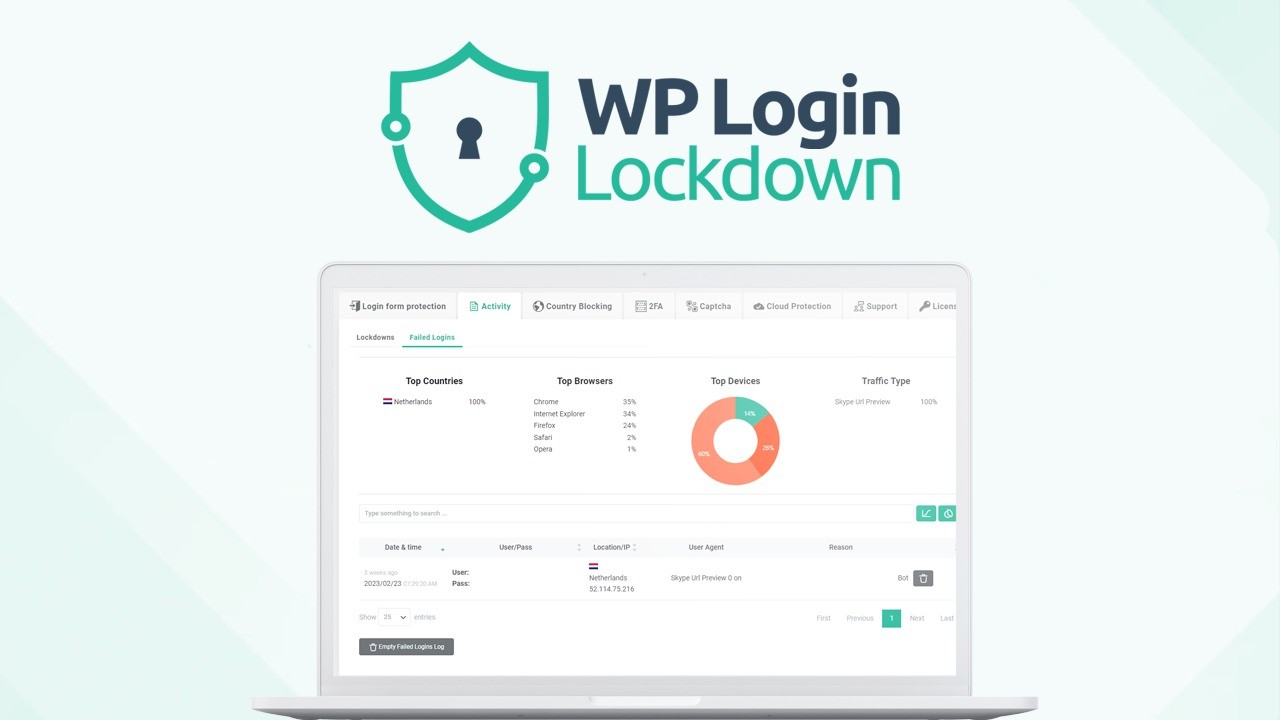
WP Login Lockdown is a WordPress security plugin built around the login page. It limits login attempts, adds captcha and two-factor authentication, blocks whole countries if you want, and keeps a log of every login-related event. A firewall, a custom login URL and login page designs were added after launch based on user votes.
Its cloud features work across sites. You can keep shared blacklists and whitelists of IP addresses and push them to every site you manage, and a global list of bad IPs, built from activity across many sites, blocks known attackers before they arrive. The FAQ states the plugin works only in the admin and loads nothing on the front end, so it does not slow your pages down.
It comes from WebFactory Ltd, the team behind WP Reset. The listing shows the company founded in 2009 in Zagreb, Croatia, with a Series A-funded team of 11 to 50. Previous AppSumo buyers of WP Login Lockdown can buy more codes to raise their limits.
One-time price: 1 code $59, 2 codes $118, 3 codes $177.
Displayed retail comparisons: $99, $299 and $499 respectively.
Alternatives named: Wordfence.
Integrations named: WordPress and WooCommerce, plus Google reCaptcha, hCaptcha and Cloudflare Turnstile.
Access and updates: Lifetime access to WP Login Lockdown and all future updates. The feature list includes all current and future plugin features.
Refund window: Refundable up to 60 days.
Codes: Stack up to 3 codes.
Redemption deadline: Redeem your codes within 60 days of purchase.
Compliance: The terms state the plugin is GDPR compliant. The built-in captcha uses no third-party service.
The listing gives no annual price for comparison, so frame it against what you pay now. If WP Login Lockdown replaces a yearly security plugin renewal across a few sites, the $59 code can pay for itself within the first renewal cycle, and every year after that is saved. For agencies paying per site, the case is stronger still.
If you run only free security plugins today, the return is in features they lack, such as shared IP lists and temporary login links. Our comparison of lifetime deals and subscriptions helps frame that trade.
Set the maximum login retries, the time window, and how long an offender stays locked out. Add Google reCaptcha, hCaptcha, Cloudflare Turnstile or the built-in captcha, which uses no outside service. Honeypots catch bots that fill every field.
Two-factor authentication sends a confirmation email after each login attempt, so a stolen username and password are not enough. You can block whole countries from logging in or from reaching the site at all.
Cloud Protection lets you build blacklists and whitelists in one place and apply them to every site you manage. If someone attacks one site, they are blocked on all the others. The global bad-IP list adds protection from activity seen across many sites.
The firewall, based on the G7 firewall, has several hundred rules in 11 modules against malicious requests, bad bots and spam. You set the level of protection. Changing the login URL hides the page from bots looking in the usual place.
Temporary login links give someone time-limited access without creating a new user. A detailed activity log shows every login event, and the login page can be redesigned from a dozen presets or from scratch.
| Codes | Price | Websites |
|---|---|---|
| 1 | $59 | 5 |
| 2 | $118 | 50 |
| 3 | $177 | Unlimited |
The plan comparison shows three features only at 3 codes: the centralized dashboard for controlling sites, licenses and IP access lists, white-labeling, and rebranding without code editing. One and two codes do not include them. Sites are the limit that scales, and not in proportion: a second code multiplies sites by ten, and a third removes the cap. You can stack up to 3 codes, as covered in our guide to AppSumo codes and stacking. Licenses can move between sites, since deactivating the plugin returns the license to your pool.
The agency tools need all 3 codes. White-labeling, rebranding and the centralized dashboard for sites and IP lists appear only on the 3-code plan.
It covers logins and the firewall, not everything. The founder says plainly that it is not a magic solution for every security issue. Malware scanning and backups are not part of the listing.
Email-based 2FA depends on mail delivery. If your site's emails are unreliable, fix that first so you do not lock yourself out.
Our checklist of factors to verify before buying a lifetime deal covers the general points. For this tool:
Who it suits
Who should look elsewhere
For anyone running WordPress sites, WP Login Lockdown is a sensible buy. It handles the login page thoroughly, the team behind it has been building WordPress products since 2009, and the license pool makes it easy to move protection between sites.
One code covers a small business. Agencies should go straight to 3 codes for $177, since that is the only way to get unlimited sites, white-labeling and the central dashboard.
Two dates decide the purchase. Redeem your codes immediately, because they must be redeemed within 60 days. Then decide by day fifty while the 60-day refund window is still open, using our AppSumo refund policy guide if it does not fit.
SAASTOOLY Rating: 4.5/5
An editorial rating based on the listed features, prices, limits and terms.
Not sure yet?
Run this deal through our free scorecard. Seven checks, a payback calculator, and a plain verdict on whether to buy.
Get the Lifetime Deal Scorecard, free
The FAQ states it does not. Everything happens in the admin, and nothing is loaded on the front end.
Yes. Deactivate the plugin on one site and the license returns to your pool for use on another.
One code covers 5 sites, two codes cover 50, and three codes cover unlimited sites.
Google reCaptcha, hCaptcha, Cloudflare Turnstile and a built-in captcha that uses no third-party service.
The FAQ states the plugin makes no permanent changes. Disabling it undoes all its changes.
You must redeem your codes within 60 days of purchase, and the purchase is refundable up to 60 days.

