Albato Lifetime Deal
Albato Lifetime Deal is a platform that enables you to integrate cloud services and construct personalized automations to streamline your workflow without the need for coding. Alternative to Make, Zapier.

Automate polished PDFs and images to save time on repetitive document creation and design work
Disclosure: We may earn an affiliate commission if you purchase through our links, at no extra cost to you. Deal terms can change; the current AppSumo listing is authoritative.
A recurring bill for PDF or image generation is the expense to examine here. MarkupGo lists Bannerbear and Placid as alternatives and presents a $348 comparison price against its $49 entry plan. Treat that comparison as a retail reference when weighing the purchase.
The practical question is whether MarkupGo can handle the outputs your business already pays to produce. Its lifetime offer covers an API for generating PDFs and images from HTML or URLs, alongside reusable templates and image transformations. For compatible workflows, that could move document generation from a recurring expense to a one-time purchase.
MarkupGo is a document and image generation service built around an API. You supply HTML or a web address, then generate a PDF or image. Its template editor supports reusable HTML, CSS, and JavaScript designs.
A separate image transformation API handles resizing, cropping, rotation, and filters. PDF customization includes headers, footers, metadata, and flexible output options, with rendering support for SVGs and emojis.
It fits developers, SaaS businesses, and web design agencies. Teams considering a lifetime deal instead of a subscription should focus on whether these functions cover their existing production workflow.
One-time starting price: $49 for Plan 1, shown as one code.
Listed comparison price: $348 for Plan 1.
Alternatives named: Bannerbear and Placid.
Access: Lifetime access across four plans.
Refund window: Up to 60 days from purchase.
Stacking: A verified purchaser reports stacking additional codes.
Listing management: Managed by the product partner. AppSumo says its “We Got Your Back” guarantee does not apply because it has not vetted this listing.
The $49 entry price is $299 below the listed $348 comparison price. That is a purchase-price saving; actual subscription payback depends on the bill you can cancel after moving your workflow.
Use your current spending to judge the result. Recovery within six months is excellent. Six to twelve months makes sense for weekly use. Twelve to eighteen months calls for a tool central to your work. Beyond that, vendor survival becomes a larger part of the bet.
Keep the old service until your required outputs work reliably.
The template editor lets you build and manage HTML, CSS, and JavaScript templates. Reusing a layout reduces repeated design work when generating documents with changing content.
One verified purchaser describes creating templates with Shuffle.dev. That is a reported workflow, rather than a promise of a dedicated integration.
URL conversion turns web pages into PDFs or images. HTML conversion generates those outputs directly from supplied markup.
These are the core jobs to test if your current subscription produces documents or visual assets programmatically. Rendering support includes SVGs, emojis, and custom elements.
Custom headers, footers, metadata, and flexible PDF options give developers control over the finished document. These details matter when an automated output needs to match a specific layout.
Resize, crop, rotate, and apply filters without moving each image through a separate manual editing process. This can reduce repetitive handling when your workflow needs several versions of the same asset.
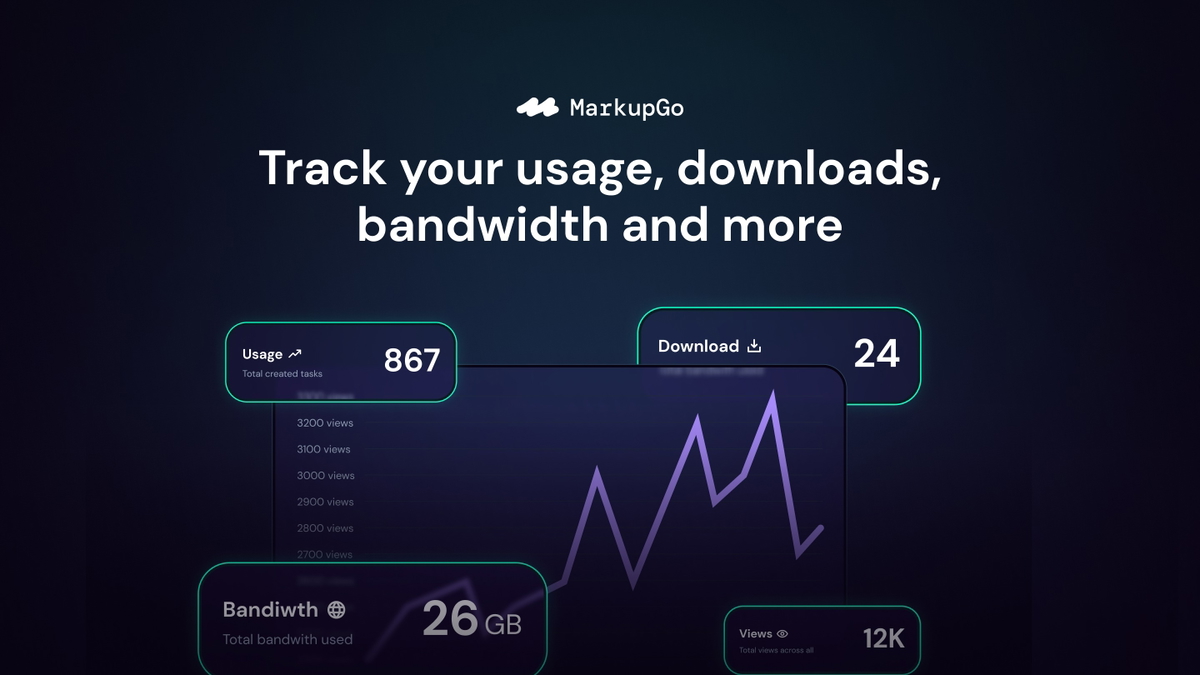
Activity logs preserve past API interactions for review. Reports and usage metrics help you monitor consumption and performance, which matters when generation becomes part of a customer-facing process.
The listing presents four lifetime plans:
The plan area includes PDF export, task priority, full API access, activity logs, templates, reports, monthly credits, and the image transformation API.
The entry option is labelled one code, and a verified purchaser reports stacking more codes. Use the guide to AppSumo code stacking to understand the purchase mechanics, then verify the selected plan’s monthly credits and image transformation access before paying.
Choose around workload, especially repeat generation and image processing, rather than assuming every allowance increases in proportion to price.
Existing PDFs cannot be edited directly. The founder confirms that MarkupGo cannot currently write text onto an existing PDF. The workaround converts the PDF into an image before adding an overlay, which can affect vector quality.
Direct PDF editing is a roadmap item. The founder says this is planned. Base the purchase on the functions available now, especially if preserving vector content is essential.
The refund window and additional guarantee are different. The listing allows refunds within 60 days, but explicitly excludes AppSumo’s “We Got Your Back” guarantee. Our AppSumo refund policy guide explains why purchase dates and applicable terms deserve attention.
These are practical checks before buying a lifetime deal, best completed while you can still reconsider the purchase.
MarkupGo is a reasonable purchase for developers and agencies generating new PDFs and images from HTML or web pages. The $49 entry price makes a focused evaluation worthwhile, and the template and image transformation functions address repeatable production tasks.
The boundary is existing-PDF editing. If that is your main job, pass on this deal rather than purchasing against the roadmap. For compatible workflows, the pros and cons of lifetime deals still apply: an upfront saving comes with dependence on the vendor continuing to operate.
Make purchase day your activation checkpoint and redeem promptly. Set a second checkpoint for day fifty after purchase, leaving time to decide while the 60-day refund window remains open.
SAASTOOLY Rating: 4.5/5
Not sure yet?
Run this deal through our free scorecard. Seven checks, a payback calculator, and a plain verdict on whether to buy.
Get the Lifetime Deal Scorecard, free
Plan 1 costs $49, Plan 2 costs $98, Plan 3 costs $147, and Plan 4 costs $196. Each is listed with lifetime access.
Yes. The listing includes HTML-to-PDF/image generation and URL-to-PDF/image generation.
No. The founder confirms that direct PDF editing is unavailable and describes converting the PDF to an image before overlaying content as the current workaround.
Yes. Its template editor supports HTML, CSS, and JavaScript templates that you can design and manage for repeated use.
A verified purchaser reports stacking additional codes, and the entry purchase is labelled one code.
The purchase is refundable for up to 60 days from the purchase date. The listing specifically excludes AppSumo’s “We Got Your Back” guarantee.