Webflow Annual Deal
About
Build a professional website without coding and reduce the cost of an eligible annual plan
Disclosure: SAASTOOLY may earn an affiliate commission if you purchase through our links, at no extra cost to you. Deal terms can change, so the current listing is authoritative.
Opening
A website subscription is an ongoing expense. The supplied listing prices Webflow’s Basic plan at $18 a month, equivalent to $216 over twelve months at that rate. Its CMS plan is listed at $29 a month, or $348 over twelve months.
This offer reduces eligible annual-plan costs by 40% for new Webflow customers and advertises savings of up to $120. You still pay a subscription. The practical question is whether Webflow can handle your website’s design, content, and hosting needs at a lower cost than your current setup, without adding more complexity than you want to manage.
What it is
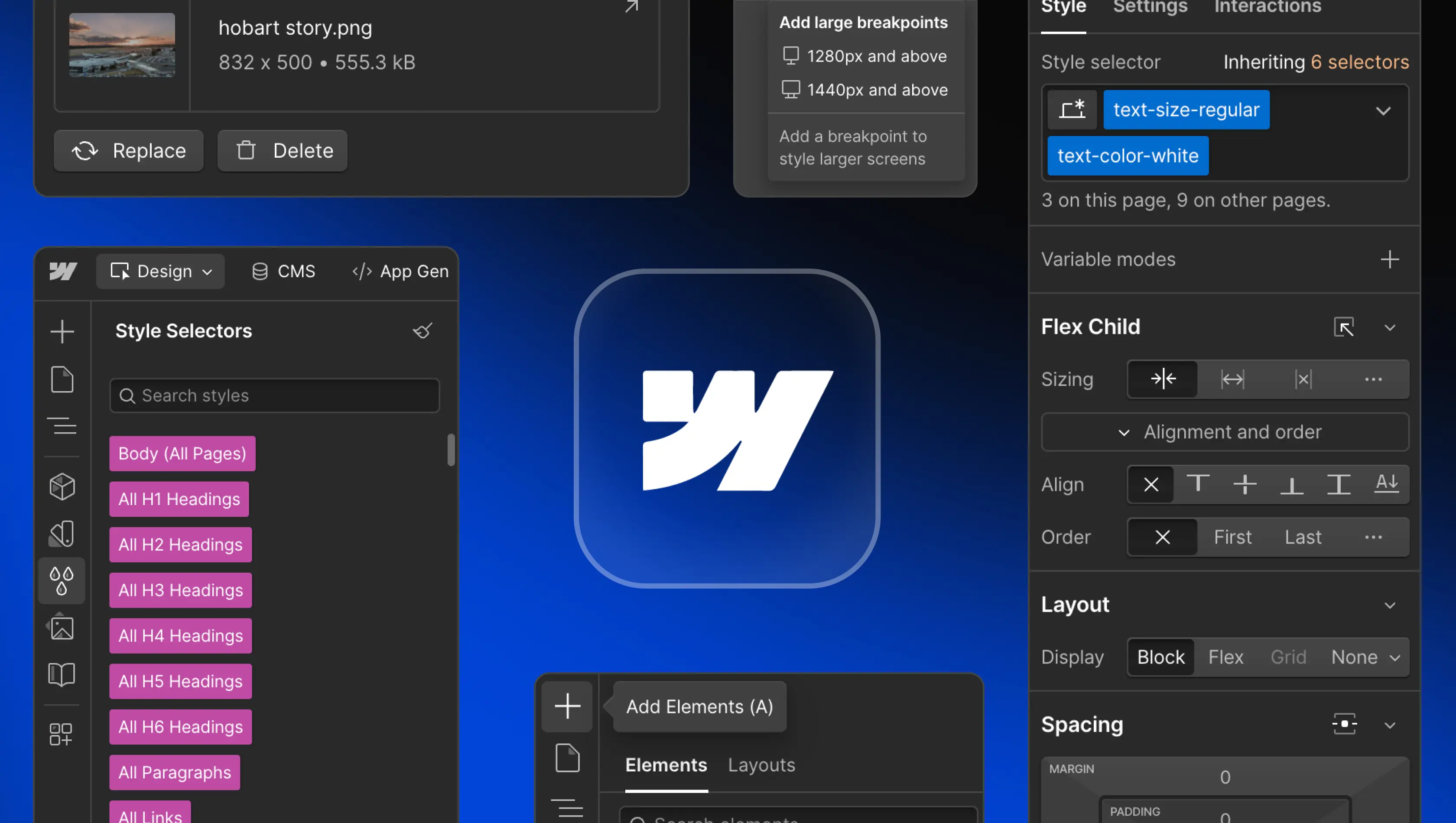
Webflow is a visual website builder with an integrated content management system and hosting. You design pages on a visual canvas rather than writing the underlying code yourself. It supports business websites, portfolios, content-driven sites, and online stores.
The platform also includes templates, responsive design tools, animations, and SEO controls. Its AI Site Builder offers another way to start a website, while the visual editor provides control over its appearance.
For buyers comparing lifetime deals with subscriptions, the distinction matters here. This is a discount on annual billing, with an ongoing subscription commitment.
Key facts
Offer: 40% off annual plans.
Advertised savings: Up to $120.
Eligibility: New Webflow customers only. Existing customers are excluded.
Access requirement: The offer is marked as requiring Premium access.
Application review: Applications are manually approved by the Customer Success Team.
Redemption: Follow the offer’s link, create an account, and proceed to checkout. The listing says the discount applies automatically to an annual plan.
Subscription pricing: Basic $18 per month; CMS $29 per month; Business $49 per month; Starter free; Enterprise priced through sales.
What the savings look like
There is no one-time software purchase to recover through avoided monthly bills. The financial benefit comes from reducing an eligible annual subscription’s cost.
The listing advertises both a 40% discount and savings of up to $120. Treat those as the offer’s stated terms and confirm the final amount at checkout. Your decision should rest on the actual annual charge for the plan you need.
For an existing Webflow customer, this promotion offers no savings because existing accounts are ineligible. For a new customer already planning to subscribe annually, it can reduce the initial purchase cost.
What you actually get
Design a website without hiring a developer
The visual editor lets you build pages without coding. Templates provide a starting point, and the listing describes a library of more than 7,000 options.
This matters if you currently pay someone to make routine layout changes. You can take more of that work in-house, provided you are willing to learn the editor.
Publish and maintain changing content
Webflow’s CMS supports dynamic content such as blogs and news sites. The CMS plan includes 2,000 CMS items, three content editors, and site search.
For a business publishing regularly, those limits are more relevant than the number of available templates. They determine how much structured content you can maintain and who can help manage it.
Manage hosting alongside the website
Webflow provides hosting, allowing you to publish directly from the platform. That keeps building and deployment within the same service.
It can simplify the workflow for a small team that would otherwise manage a website builder and hosting separately.
Control search presentation
The listed SEO tools include custom meta tags, SEO-friendly URLs, and image alt text controls. These let you manage important on-page details without relying on a developer for every update.
They provide useful controls, although they do not guarantee search rankings.
Adapt layouts and add interactions
Responsive design tools help you create layouts for desktop and mobile screens. Webflow also supports interactive elements and animations without code.
These features suit businesses that need detailed presentation control. They also introduce more decisions than a simpler website builder.
Build an online store
Webflow includes e-commerce capabilities for product listings, shopping carts, and payment processing.
If selling online is central to your project, verify the exact e-commerce plan and checkout requirements before committing. The supplied pricing section lists general website plans rather than a separate e-commerce pricing breakdown.
Tiers and limits
The listing presents these Webflow subscription plans.
Starter — Free
Includes a Webflow.io subdomain, two pages, and 50 CMS items.
Basic — $18 per month
Includes a custom domain, 150 pages, and 500 form submissions per month.
CMS — $29 per month
Includes 2,000 CMS items, three content editors, and site search.
Business — $49 per month
Includes 10,000 CMS items, ten content editors, and form file uploads.
Enterprise — Contact sales
The listing describes unlimited CMS items, custom bandwidth allocation, and dedicated account management.
The clearest increases between CMS and Business are content capacity and editor access. Business also adds form file uploads. Choose around those requirements rather than assuming every allowance increases together.
These are subscription plans, not lifetime license tiers. Understanding what a SaaS lifetime deal includes helps avoid confusing an annual discount with permanent access.
Things to weigh
The learning curve is real. The listing identifies learning time as a drawback. Its featured customer review also describes Webflow as complex for someone who only needs an easy website.
Plan limits can affect growth. The source flags traffic restrictions on some plans. CMS item counts, editor seats, and form allowances also deserve attention before you move an established website.
The offer has an eligibility restriction. Existing Webflow customers cannot use it. Do not build a migration or renewal budget around this discount if you already have an account.
These are useful examples of factors to verify before buying a software deal, even when the offer uses annual billing.
Before you buy
- Confirm account eligibility. Check that your proposed account qualifies as a new Webflow customer, especially if you have used the platform before.
- Review the annual checkout total. Confirm that the discount appears on your chosen plan and compare the final charge with the advertised savings.
- Map your website against plan limits. Count your pages, CMS items, editors, and expected form submissions. Ask about traffic allowances if your site already attracts substantial visits.
- Check your store requirements. If you need e-commerce, confirm payment processing availability in your country and the plan required for your checkout workflow.
Keep access costs separate from software costs when assessing the purchase. That distinction is part of weighing the pros and cons of software deals.
Who it suits, and who should look elsewhere
Who it suits
- New Webflow customers already intending to purchase an annual plan.
- Designers who want detailed visual control without writing code.
- Businesses publishing structured content within the available CMS limits.
- Small teams comfortable learning a more involved website editor.
Who should look elsewhere
- Existing Webflow customers seeking a renewal discount.
- Owners who want the simplest possible website-building experience.
- Buyers who require a one-time purchase with no recurring subscription.
- Businesses unwilling to commit to annual billing, which may be better served by a monthly subscription.
Verdict
This is a useful discount for a qualified new customer who already wants Webflow. The visual editor, CMS, and integrated hosting make it a credible choice for a business that values design control and expects to maintain its own website.
The offer is less persuasive if your only goal is cutting costs. You retain a recurring bill, and the platform’s learning curve may outweigh the savings for a straightforward site. Choose the required plan first, then judge the discounted checkout total.
Before paying, confirm eligibility, application approval, and the final annual charge. Those checks matter more here than treating the promotion as a lifetime purchase.
SAASTOOLY Rating: 4.5/5
Not sure yet? Run this deal through our free scorecard. Seven checks, a payback calculator, and a plain verdict on whether to buy. Get the Lifetime Deal Scorecard, free
FAQ
Is this a Webflow lifetime deal?
No. The supplied offer is a 40% discount on annual plans. Webflow remains a subscription.
Can existing Webflow customers use the discount?
No. The listing restricts eligibility to new Webflow customers.
How is the discount applied?
The listing says to follow the offer’s link, create an account, and continue to checkout. The discount is applied automatically when purchasing an annual plan.
Does the offer require approval?
Yes. The listing says applications are manually approved by the Customer Success Team.
What is the difference between CMS and Business?
CMS includes 2,000 CMS items, three content editors, and site search. Business lists 10,000 CMS items, ten content editors, and form file uploads.
Can Webflow build an online store?
Yes. The listed e-commerce capabilities include product listings, shopping carts, and payment processing. Confirm the appropriate e-commerce plan before purchasing.