Press Ranger Lifetime Deal
Press Ranger Lifetime Deal links you to over 2 million media contacts relevant to your industry and provides you with the resources to attract positive media attention for your business.

Build virtual events that grow your audience and turn your expertise into recurring revenue
We may earn an affiliate commission if you purchase through this page, at no extra cost to you. Deal terms can change, so the current AppSumo listing is authoritative.
A recurring event-platform bill is easier to justify when events consistently bring in leads or ticket revenue. For occasional workshops or seasonal summits, that same commitment deserves a closer look.
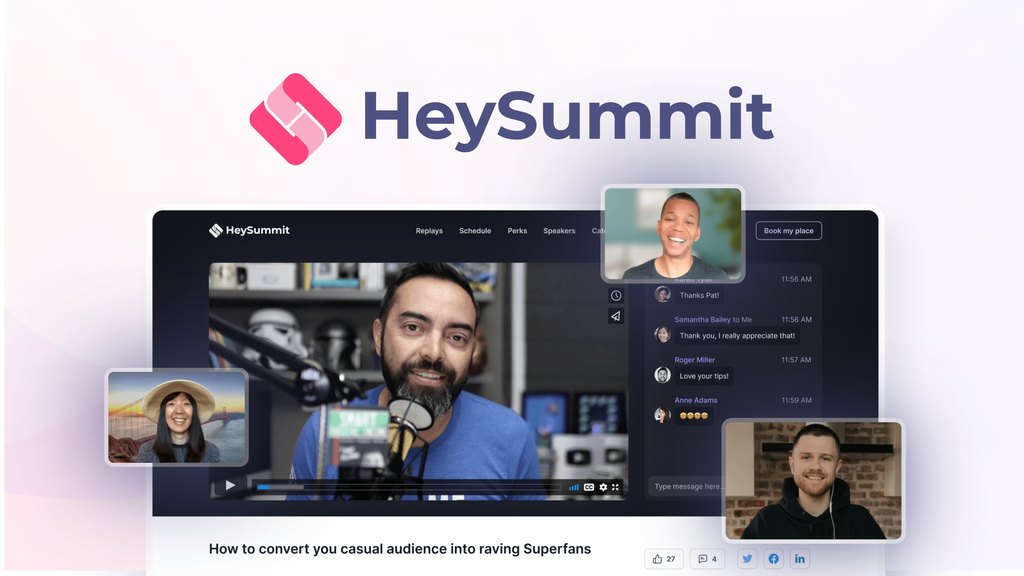
HeySummit’s offer starts at $99 for lifetime access, against a displayed retail comparison price of $390. It combines event pages, registration, speaker management, ticket sales, and follow-up workflows. The listing positions it as an alternative to Cvent, Eventbrite, and Hopin.
The purchase makes sense if those functions replace software you already pay for. It is less straightforward if your main need is simply hosting a video call.
HeySummit manages the structure around an event. You create sessions, introduce speakers, register attendees, sell access, and communicate with participants. It supports summits, webinars, workshops, courses, and recurring event series.
Events can be live, prerecorded, on demand, in person, or hybrid. Broadcast integrations include Zoom, BigMarker, YouTube Live, and Vimeo Live, allowing you to connect the event experience to a video delivery service.
Revenue tools include tickets, add-ons, donations, recurring subscriptions, coupons, and affiliate offers. This makes it relevant to creators and businesses that want events to generate income alongside audience growth.
The offer uses code quantities, so understanding how AppSumo code stacking works is useful when choosing your allocation.
The $99 entry price is substantially below its displayed $390 retail comparison. That makes the initial outlay relatively modest for a business already paying for event administration.
The financial case is strongest when HeySummit cancels an existing paid tool and supports events you already run. Keep its transaction fee in your ongoing budget, and account for any separate broadcast service you retain. Our lifetime deal versus subscription guide explains how to compare those commitments without treating lifetime access as zero ongoing expense.
Templates cover event landing pages, while session details and speaker bios keep the program organized. These tools matter when your current workflow spreads registration, scheduling, and speaker information across several systems.
Sell tickets and add-ons, accept donations, offer subscriptions, and create coupons or discounts. Multiple ticket types are also listed. This gives paid-event organizers more options than a single registration price.
Speakers can use private dashboards to update their bios and create special offers. Broadcast integrations connect event administration with services such as Zoom and YouTube Live. That helps distribute preparation work without requiring the organizer to handle every update.
Premade email reminders and speaker onboarding flows reduce repetitive administration. ConvertKit and HubSpot integrations support syncing leads and attendees with existing marketing workflows.
Reporting covers revenue, conversions, and replays. An integrated affiliate platform supports partner-led promotion, allowing organizers to connect event sales with the people helping bring attendees in.
The listing offers these four code levels:
| Code level | One-time price | Retail comparison | Attendees | Active events | Team members | Transaction fee |
|---|---|---|---|---|---|---|
| 1 Code | $99 | $390 | 1,500 | 3 | 3 | 2% |
| 2 Codes | $198 | $510 | 3,000 | 10 | 10 | 2% |
| 3 Codes | $297 | $870 | 10,000 | 15 | 15 | 1.5% |
| 4 Codes | $396 | $2,070 | 20,000 | 20 | 20 | 1% |
All four show lifetime access. The four-code option is marked recommended.
The limits increase unevenly. Two codes more than triple the active-event and team-member allowances, while doubling attendee capacity. Three codes provide the largest jump in attendees and introduce a lower transaction fee. Four codes double attendee capacity again, but add only five active events and five team members.
Choose the code quantity around your expected workload rather than assuming every allowance scales equally.
Setup takes attention. Customer feedback includes both praise for flexibility and frustration with the number of settings. One reviewer struggled to create a solo event. The founder acknowledged that the initial experience could be simpler.
Ticket revenue carries a platform fee. Lifetime access does not remove the listed transaction charge. The difference between 2% and 1% becomes more relevant as sales grow.
The AI assistant is still in development. Founder replies describe a conversational event assistant under development. Base the purchase on the existing event tools rather than that planned capability. This is a practical example of the trade-offs involved in lifetime deals.
These are useful checks before buying a lifetime deal because they connect the purchase to your actual workflow.
HeySummit looks like a sensible purchase for businesses with an established event program and a paid administration tool to replace. The offer brings registration, monetization, speaker coordination, and marketing workflows together at a manageable entry price.
The higher code levels are most persuasive when attendee capacity, concurrent events, or team access justify them. A lower transaction fee also matters, but it should accompany a real need rather than drive an unnecessary upgrade.
Redeem promptly after purchase and schedule a working event early. Put a decision date on your calendar for day fifty, while the 60-day refund window remains open. Our AppSumo refund policy guide provides context for that review.
Not sure yet?
Run this deal through our free scorecard. Seven checks, a payback calculator, and a plain verdict on whether to buy.
Get the Lifetime Deal Scorecard, free
Yes. The listing shows lifetime access at all four code levels, starting at $99 for one code.
The offer is refundable for up to 60 days and is covered by AppSumo’s We Got Your Back guarantee.
Yes. One and two codes carry a 2% transaction fee. Three codes reduce it to 1.5%, and four codes reduce it to 1%.
Yes. The listing supports live, prerecorded, on-demand, in-person, and hybrid events.
Stripe, PayPal, and ThriveCart are named. The feature list also includes a custom payment gateway.
Founder replies describe the assistant as still in development. It is intended to help users create and manage events through a conversation.